You clicked unsubscribe. Maybe you clicked it twice. A week later the same sender is back with another “20% off, today only,” and you’re starting to wonder whether the button does anything at all.
You still get emails after unsubscribing for a handful of reasons: the sender is still inside its legal 10-business-day window, you left one list of several, the mail is transactional not marketing, the unsubscribe silently failed, the sender ignores opt-outs, or you clicked inside spam and confirmed a live address. Each cause has its own fix.
Why do I still get emails after unsubscribing?
Seven things cause it, and they sort into three groups: normal (wait it out), fixable (you missed a step), and abusive (block and report). The trick is telling which one you’re looking at before you keep clicking a button that isn’t the problem.
Use this table to match what you’re seeing to the likely cause and the next move.
| What you’re seeing | Most likely reason | What to do |
|---|---|---|
| Same sender, only a few days since you clicked | Still inside the 10-day processing window | Mark the date, wait it out |
| Different topics from one brand | You left one list, not all of them | Open “manage preferences” |
| Receipts, shipping, account notices | Transactional mail, not marketing | Nothing to opt out of |
| Nothing happened when you clicked | Broken or failed unsubscribe | Use the top-bar button, retry |
| Mail keeps coming weeks later | Non-compliant sender | Block, then report |
| Volume went up after you clicked | You confirmed a live address to a spammer | Mark as spam, stop clicking |
| Sender you never signed up with | Sold, leaked, or spoofed address | Treat as spam, don’t click |
How long does an unsubscribe take to stop the emails?
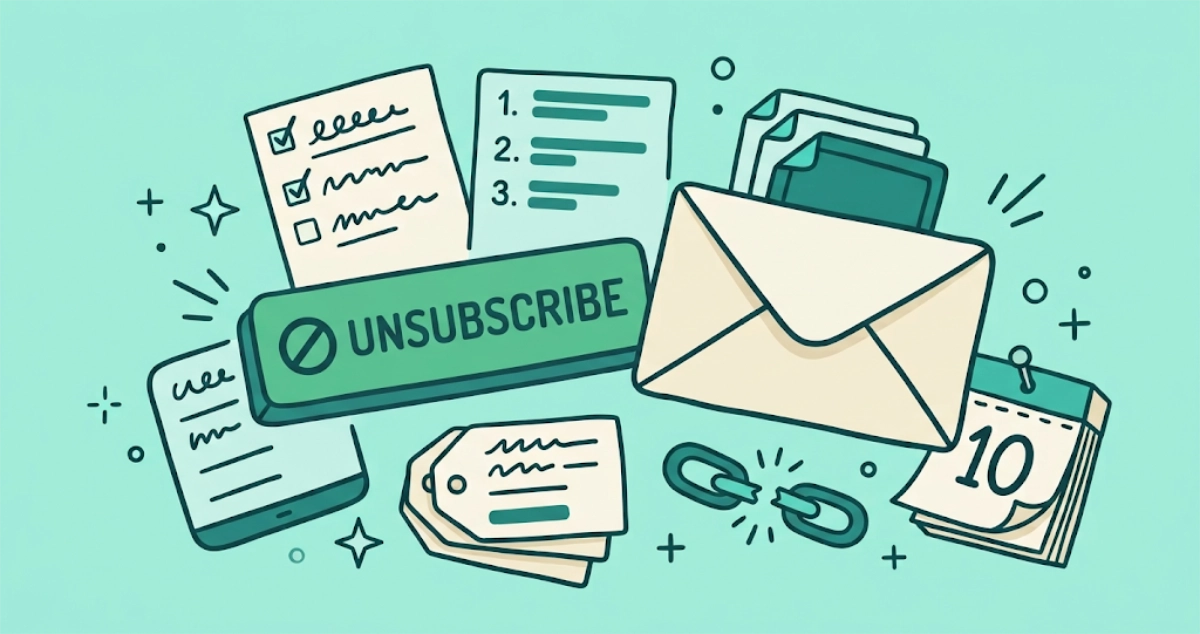
A legitimate sender has up to 10 business days to process your request, so a few more emails right after you click are normal. That window comes from the U.S. CAN-SPAM Act, which gives commercial senders 10 business days to honor an opt-out. Ten business days is close to two calendar weeks once you count weekends, and our guide to how long a company can legally email you after you unsubscribe breaks down the exact business-day math.
Big senders have to move faster. Since February 1, 2024, Google’s sender guidelines have required anyone sending more than 5,000 messages a day to Gmail accounts to put one-click unsubscribe in every marketing message. Google’s companion FAQ sets the turnaround at 48 hours and lists “unsubscribe requests aren’t honored within 48 hours” as a reason a sender loses Gmail delivery support. Yahoo’s Sender Hub says the same thing in five words: honor unsubscribes within 2 days. So a major retailer still mailing you two weeks later has blown past every clock in the room.
What to do: write down the date you clicked. If the emails stop within the window, the system worked. If they don’t, you’ve moved from a grace period into a violation, and the later sections apply.
Why do I still get emails from a company I already unsubscribed from?
Most large senders run several lists, and one unsubscribe usually touches only one of them. A single retailer might keep a promotions list, a “back in stock” list, a loyalty list, and a “we miss you” win-back list, all separate. Leaving the promotions list does nothing to the other three.
What to do: look for a “manage preferences” or “email settings” link instead of the plain “unsubscribe” at the very bottom. A preferences page lists every stream the sender has you on, with a checkbox for each. Clear them all, or look for a single “unsubscribe from all” option if the page offers one. One pass through the preference center beats a dozen trips through the footer link.
Why do I still get receipts and account emails after unsubscribing?
Order confirmations, shipping updates, password resets, and account statements keep coming because they are transactional mail, and unsubscribing was never meant to stop them. CAN-SPAM treats a message by its primary purpose. If that purpose is facilitating a transaction or updating you on one, the sender does not have to offer an opt-out at all.
There is one exception worth checking. If a “receipt” is mostly a wall of recommended products with an order number buried at the bottom, its primary purpose is commercial, and the law says it must carry a working unsubscribe. The FTC’s rule spells out the test: under 16 CFR 316.3, a mixed message counts as commercial if the subject line reads like an ad, or if the transactional part does not appear at the beginning of the body. When a promotional email hides behind a transactional label, you can treat it as marketing and opt out.
What to do: for genuine receipts, nothing. You agreed to those when you bought something. For promo mail wearing a receipt costume, use the unsubscribe it’s legally required to include.
What if the unsubscribe link is broken or never went through?
Sometimes the request just fails. A sender pushes a broken update, the unsubscribe page errors out, or the confirmation step quietly doesn’t register, and you walk away thinking you’re off the list when you never left it. This is less common than the other causes, but it happens, and there’s no confirmation email to tell you it failed.
What to do: use your email client’s own unsubscribe button, the one that shows up at the top of the message next to the sender’s name, not the link buried in the footer. That button is backed by the one-click unsubscribe standard, RFC 8058, published in January 2017. Your mail client posts a short request straight to the address in the sender’s List-Unsubscribe header. No web form sits in the middle, so there is less to break. If that isn’t available, retry the footer link and screenshot the confirmation page in case you need it later.
What if the sender just ignores my unsubscribe request?
Some senders receive your opt-out and keep mailing anyway. Once you’re past the 10-business-day window and you’ve confirmed you left every list, a sender that’s still emailing you is non-compliant, and no amount of re-clicking fixes a company that has decided not to listen.
What to do: block the sender at your email provider. Gmail keeps the control next to the Reply arrow: open the message, click More, then Block “sender”, and everything from that address goes to Spam from then on. Every major provider has an equivalent, and it stops the messages regardless of whether the sender ever honors your request. Then, if you can identify the sender, report it. The FTC (U.S.) and national Data Protection Authorities (EU) build cases from accumulated complaints. Our guide to your rights when unsubscribe doesn’t stop the emails covers the reporting steps, the evidence to keep, and the penalties senders actually pay.
Why did I get more emails after I unsubscribed?
Clicking unsubscribe inside a spam message can backfire, because the click tells the spammer your address is live and someone reads it. CISA says it plainly: clicking a link in a spam message confirms your address is valid, and an unsubscribe option in junk mail “is often just a method for collecting valid addresses that are then targeted for other spam.” Real spammers were never going to honor the request. They treat the unsubscribe link as a tripwire: click it, and your address gets promoted to a higher-value list or resold, which is why the flood gets worse instead of better.
What to do: for anything you don’t recognize, mark it as spam rather than clicking anything inside it. Marking as spam sends no signal back to the sender, and it trains your provider’s filter to catch similar mail. Save the unsubscribe link for senders you actually recognize. Our guide to whether it’s safe to click unsubscribe breaks down how to tell a safe link from a trap in about 30 seconds.
Why am I getting emails I never signed up for?
Sometimes the sender isn’t who you think, so the list you’re trying to leave was never one you joined. Your address may have been sold, leaked in a breach, or shared between a parent company and its sub-brands, which is how a name you’ve never heard of ends up with your inbox. A spoofed sender can also fake a familiar “From” name to borrow trust it hasn’t earned. And if you forward an old address to a new one, you’ll keep seeing mail sent to a list you signed up for years ago under a different email.
What to do: if you can’t reconstruct how you ended up on the list and the sender is a stranger, don’t click the unsubscribe. Mark it as spam. For a forwarded old address, unsubscribe from the account that actually holds the subscription, not the inbox where it lands.
What if one specific store keeps emailing no matter what?
A few senders are worse than the rest, and you already know their names. Fast-fashion and marketplace apps like Temu and Shein run a stack of overlapping lists and often re-add your address after a purchase or an app update. Leaving one campaign barely dents the flow.
What to do: work the full preference center instead of the footer link, and clear every stream the sender exposes. If the account keeps re-adding you after you buy something, block the sending domain at your provider so new campaigns never reach the inbox. Our playbook for stopping Temu and Shein emails for good walks the per-sender steps for the worst repeat offenders. Once the new mail stops, clearing the promotions already piled up in Gmail gets the backlog off your screen in one pass.
How do I actually stop the emails when unsubscribing fails?
Work the escalation in order, and stop as soon as the emails do:
- Wait the window. Mark the date you clicked and give a legitimate sender its 10 business days.
- Leave every list. Open the preference center and clear all of the sender’s streams, not just the one in the footer.
- Use the native button. Prefer your email client’s top-bar unsubscribe over the link in the body.
- Block the sender. For anyone still mailing you past the window, block at the provider level so the messages stop reaching you. The FTC’s own consumer advice is the same: mark it as spam and block the address or the whole domain.
- Report the holdouts. File at reportfraud.ftc.gov or with your DPA, with headers and timestamps. Our step-by-step guide to reporting a company that ignores your unsubscribe walks the filing process form by form, and the rights guide covers the penalties senders actually pay.
If you’re doing this across years of accumulated senders, one at a time is a long afternoon. Before you pick a tool, our roundup of the best unsubscribe apps weighs them on price and data handling, and whether unsubscribe apps are safe covers the access to check before you connect one. That’s the job Email Unsubscriber was built for: it scans your Gmail or Outlook in your own browser, lists every subscription sender in one place, and sends real unsubscribe requests using the one-click standard where senders support it. Your email content never reaches our servers, and there’s a “still emailing” filter that flags the senders who ignore you so you know exactly who to block. You can try it on your own inbox and see the full list before you do anything.
The takeaway
Most of the time, “unsubscribed but still getting emails” isn’t the button failing. It’s a processing window that hasn’t closed, a second list you didn’t know about, or mail that was never marketing in the first place. Match the symptom to the cause, wait out the honest senders, and block plus report the ones who ignore you.