Skip to content
26 posts

Guides

Practical walkthroughs, written to be followed once and then forgotten. Each one takes a specific inbox problem — a sender that will not stop, a folder that never empties — and shows the shortest route out of it.
Flat vector illustration of a cream NO-REPLY envelope leaving a mailbox with a sealed reply slot, a reply arrow bouncing back, and an Unsubscribe signpost pointing the way out.
Guides

What is a no-reply email address (and why you can't reply)

A no-reply email address sends automated mail but ignores your replies. Here is why you can't reply, why companies use it, and how to opt out anyway.
10 min read
Flat vector illustration of a cream settings card with a large master toggle flipped off, a play-triangle screen, a bell with a slash, a pinched-off stream of envelopes stamped with play triangles and comment bubbles, a phone, and one shield-stamped envelope still getting through.
Guides

How to stop YouTube notification emails

Turn off YouTube email notifications at the source. Open Settings, Notifications on youtube.com and switch off the Email notifications Permission toggle.
9 min read
Flat vector illustration of two cream notification cards, one badged with an upvote chevron and one with an @ mention bubble, both feeding envelope streams into a control box whose lever is thrown to OFF, beside a slashed bell and a keyhole-shield envelope.
Guides

How to stop Reddit and X (Twitter) emails

Reddit and X both hide an email off switch in their settings. Here is the exact path to turn off notification emails in each, step by step.
10 min read
Flat vector illustration of a cream envelope reeled back mid-flight by a looping undo arrow beside a countdown timer, a message card with an Undo button, a second envelope escaping off the frame, and a crossed-out Recall tag.
Guides

How to recall or unsend an email

Gmail's Undo Send cancels a message before it leaves. Outlook's recall only works inside one organization and often fails. Here is what actually works.
8 min read
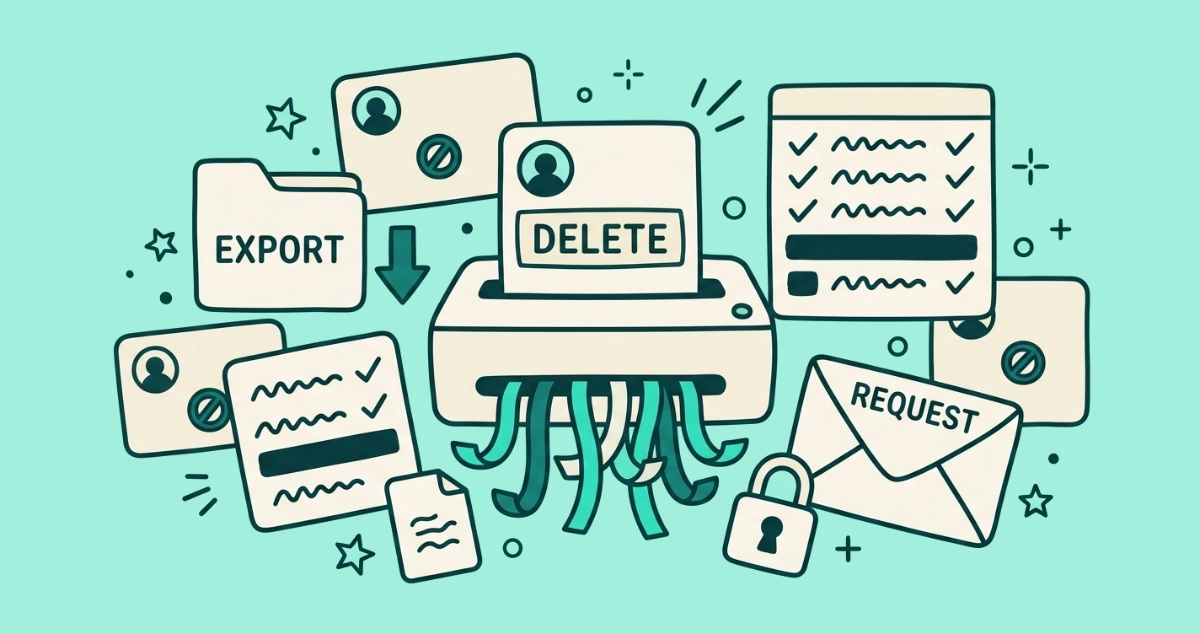
Flat vector illustration of a cream account card labeled DELETE feeding into a paper shredder, surrounded by crossed-out account cards, an EXPORT folder, and a REQUEST letter.
Guides

How to delete old online accounts you forgot about

Closing dead accounts shrinks your breach surface. How to find the delete option, what to save first, and what to do when there is no delete button.
8 min read
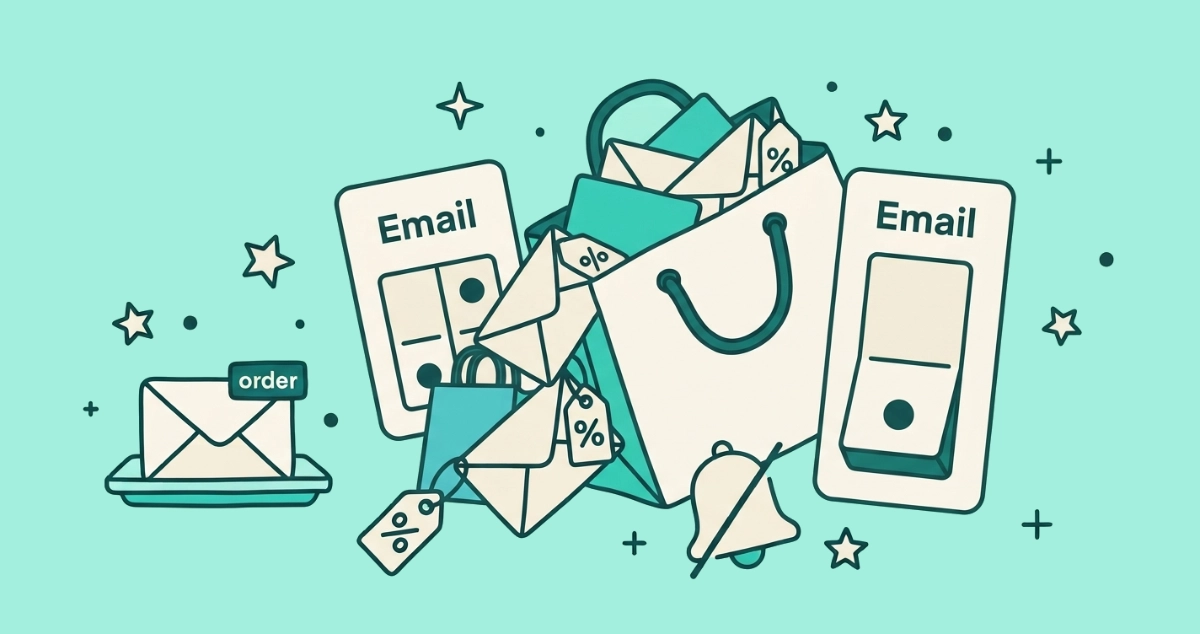
Flat vector illustration of an overstuffed cream shopping bag spilling percent-off sale envelopes, beside a large off toggle labeled Email, a duplicate bag behind it, a slashed notification bell, and one calm order envelope on a separate tray.
Guides

How to stop Shein and Temu emails for good

Shein and Temu mail hard, and one unsubscribe rarely covers it. Stop their promo emails at the source with three settings each, then block the stragglers.
8 min read
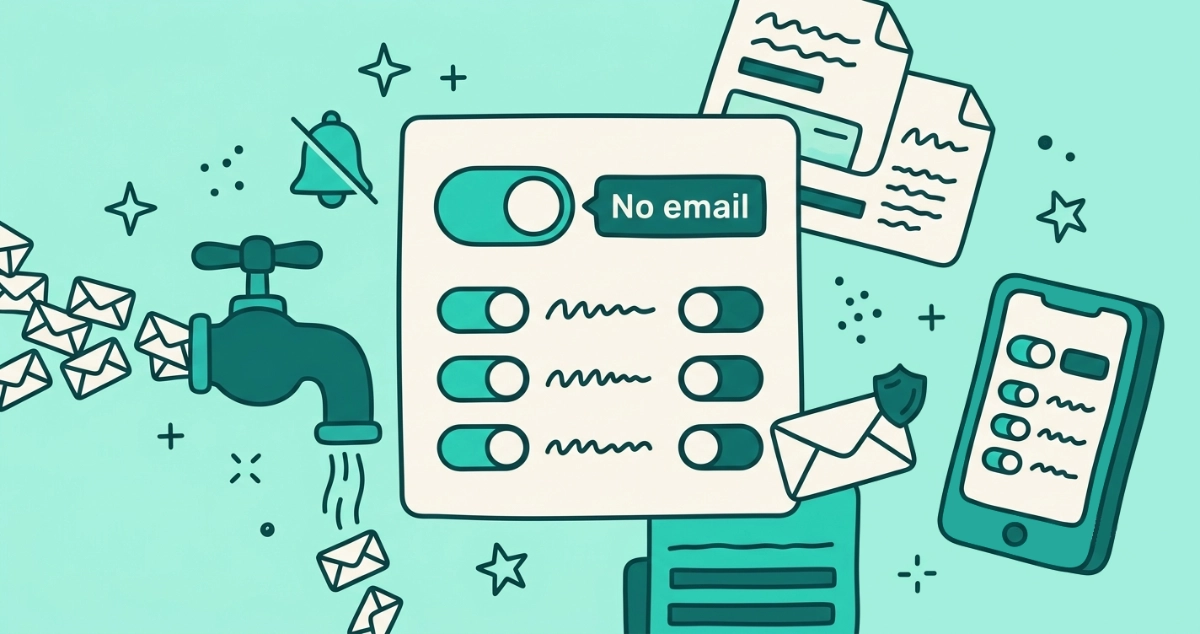
Flat vector illustration of a cream settings card with a large toggle flipped to a No email label, a valve shutting off a stream of notification envelopes, a bell with a slash, a row of category toggles, a phone, and one shield-stamped envelope still getting through.
Guides

How to stop LinkedIn emails (2026)

Stop LinkedIn notification emails at the source. Set the frequency of all email notifications to No email under Settings, Communications, Email.
9 min read
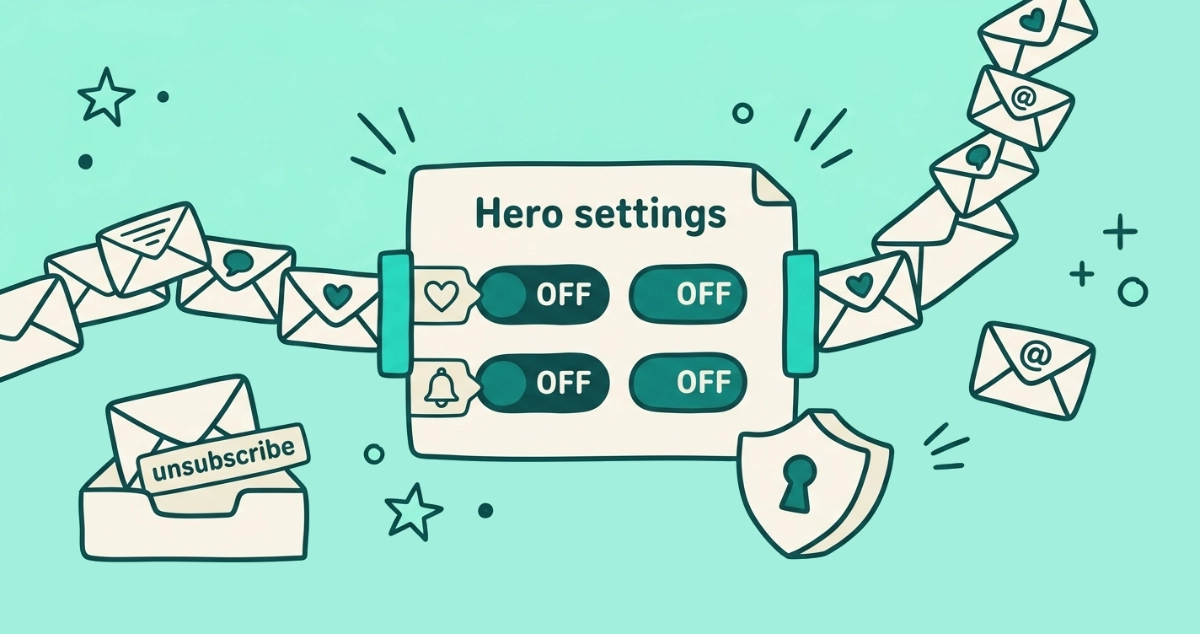
Flat vector illustration of a cream settings panel with two toggle switches flipped off, a stream of notification envelopes stamped with a heart, speech bubble, and bell pinched off at the panel, beside an inbox tray and a small keyhole shield.
Guides

How to stop Facebook and Instagram notification emails

Facebook and Instagram are both Meta apps with the same off switch. Here's how to turn off their email notifications in each, step by step.
8 min read
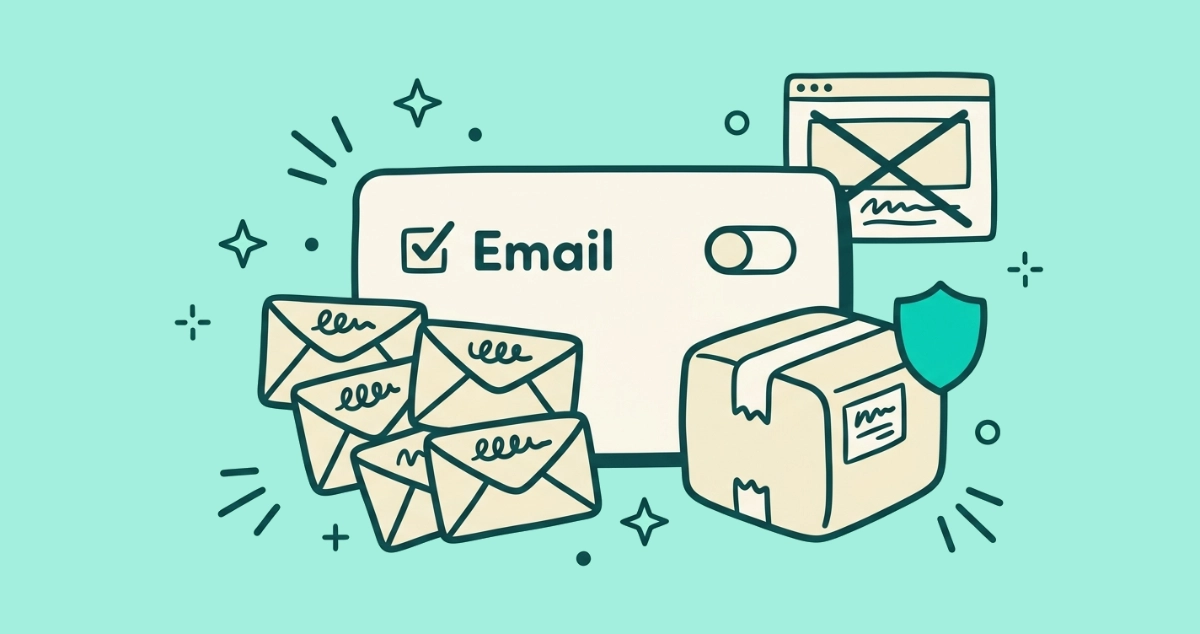
Flat vector illustration of an email-preferences panel with a toggle switched off, a fan of tagged envelopes, an untouched parcel box, and a crossed-out ad frame.
Guides

How to stop Amazon marketing emails

Amazon runs marketing email across many separate lists. Here is how to stop Amazon marketing emails in two settings, and keep your order and shipping updates.
10 min read
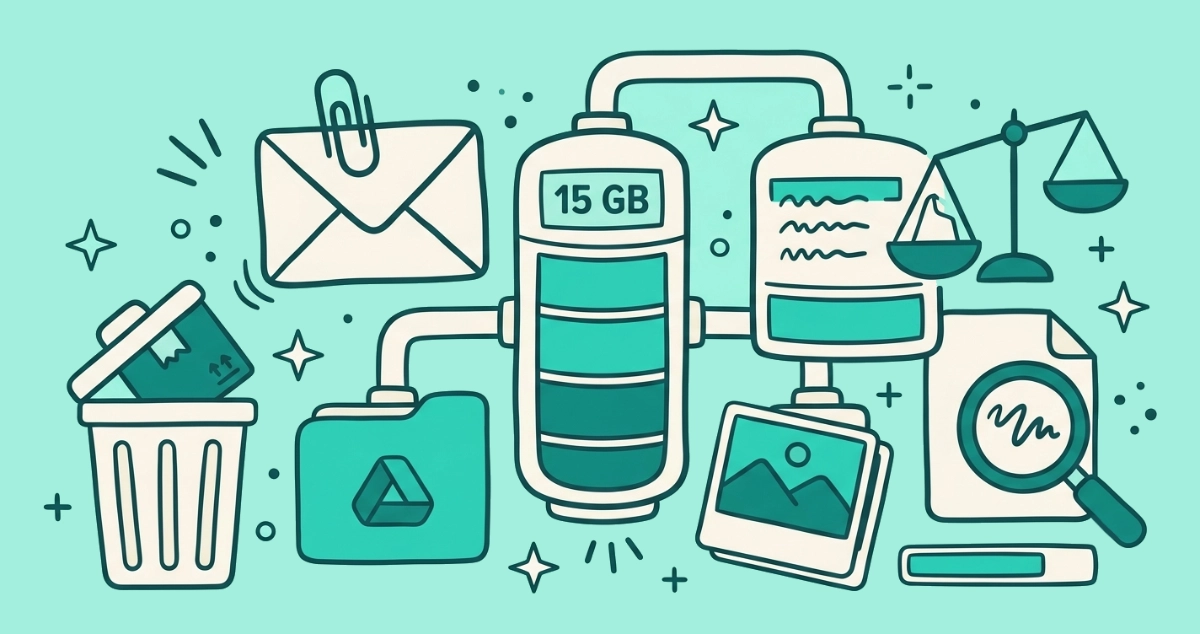
Flat vector illustration of a storage gauge labeled 15 GB fed by three pipes from an envelope, a folder, and a photo stack, beside a heavy paperclipped envelope, a trash bin, and a magnifying glass.
Guides

Gmail storage full: what's eating it and how to clear space

Your 15 GB Google quota is shared across Gmail, Drive, and Photos. See what's eating it and clear the most space, fastest.
8 min read
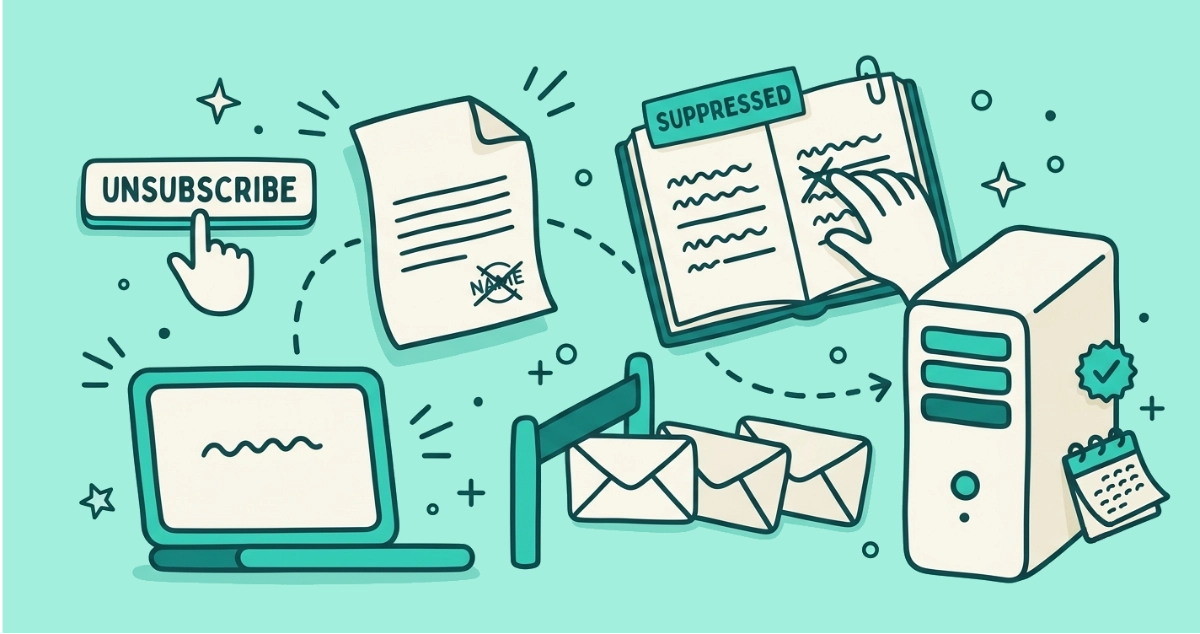
Flat vector illustration of a request slip traveling from an unsubscribe button to a server and a ledger where a name is crossed off, with envelopes held back behind a barrier.
Guides

What actually happens when you click unsubscribe

Click unsubscribe and your request travels to the sender's server, lands your address on a suppression list, and future campaigns skip you. Here's the journey.
8 min read
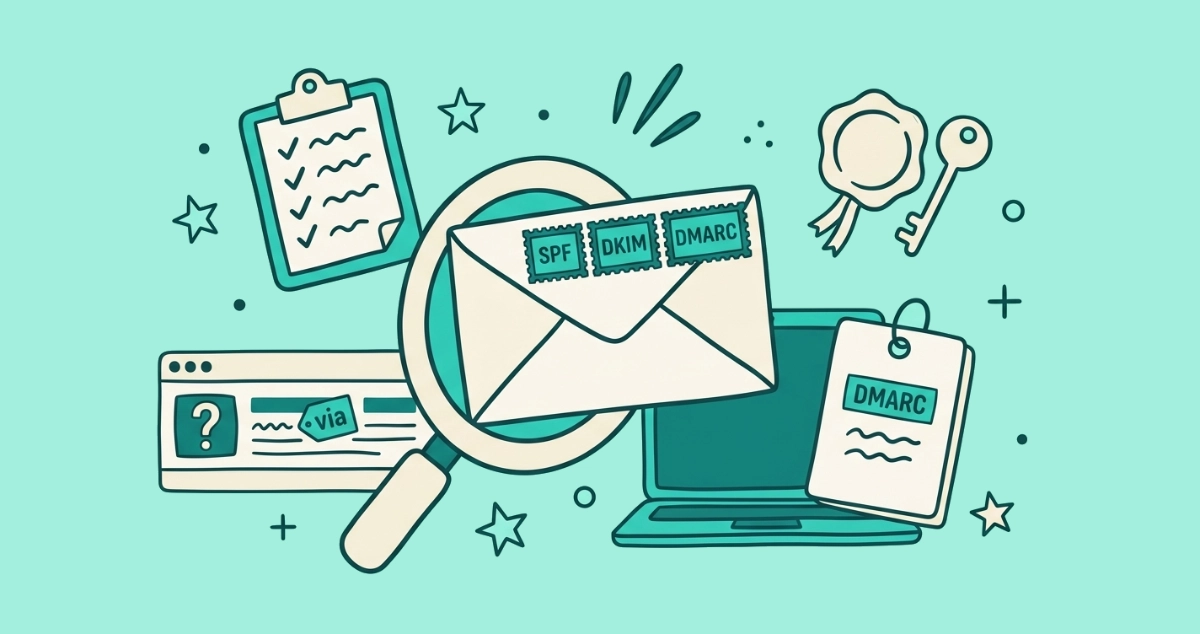
Flat vector illustration of a cream envelope stamped SPF, DKIM and DMARC beside a wax seal, a key, a guest-list clipboard, and an inbox row showing a via tag and a red question-mark badge.
Guides

SPF, DKIM, and DMARC in plain English

The gray 'via', the 'mailed-by' line, and the red question mark all come from three checks: SPF, DKIM, and DMARC. What each one actually proves.
9 min read
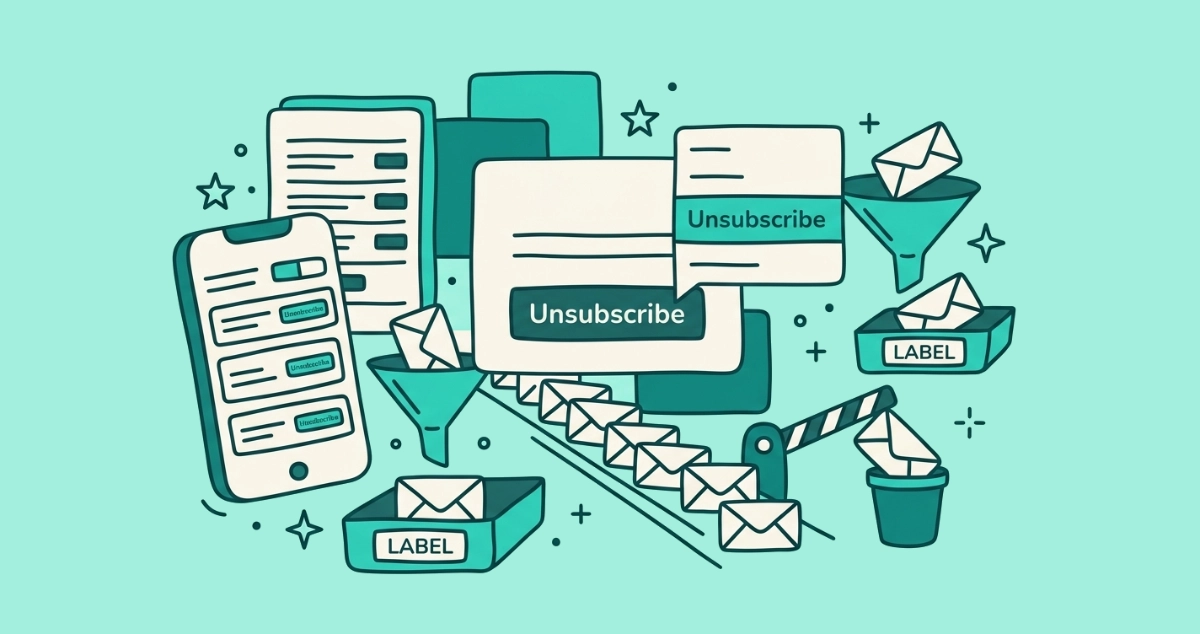
Flat vector illustration of a cream email card with an Unsubscribe button and a pop-up menu, a single-file line of envelopes, a phone list, a funnel, and a lowered block arm.
Guides

How to unsubscribe and clean up Yahoo Mail (2026)

Yahoo Mail has no bulk unsubscribe button. Here are the real ways to unsubscribe, block, and filter senders on Yahoo web and in the app.
9 min read
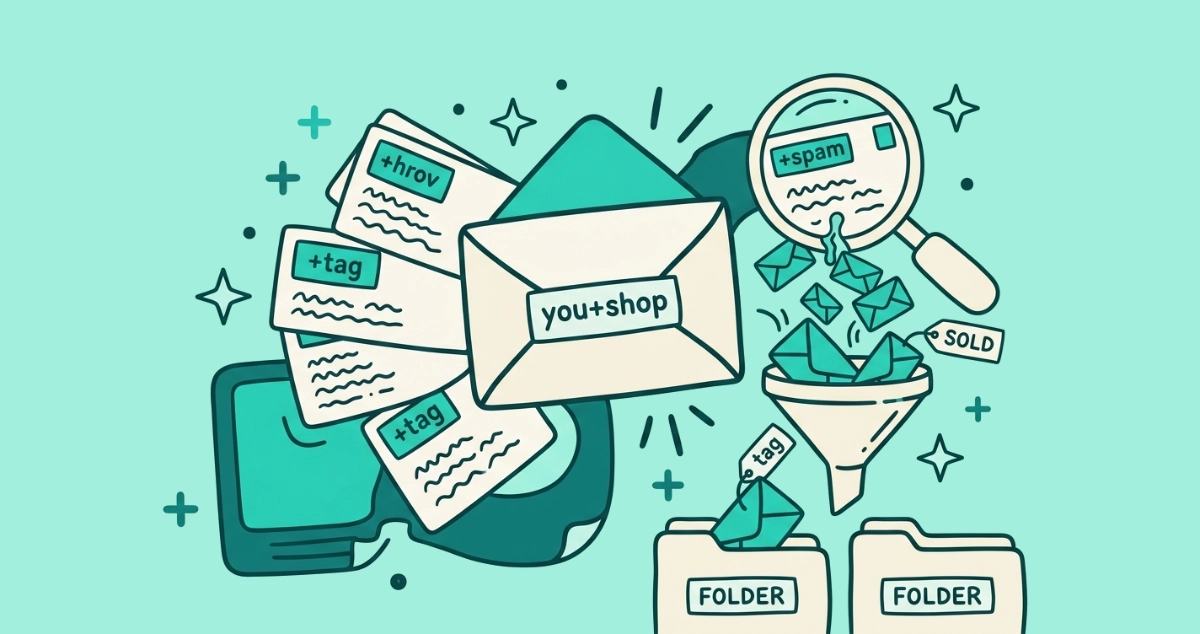
Flat vector illustration of a cream envelope labeled 'you+shop' with tagged address cards fanning out, a magnifying glass over the one card leaking small spam envelopes, a SOLD tag, and a sorting funnel.
Guides

Plus addressing in Gmail: the free trick to catch who leaks your email

Add +anytag to your Gmail address and every variant still reaches your inbox. Give each signup a unique tag to see which company leaked or sold your email.
10 min read
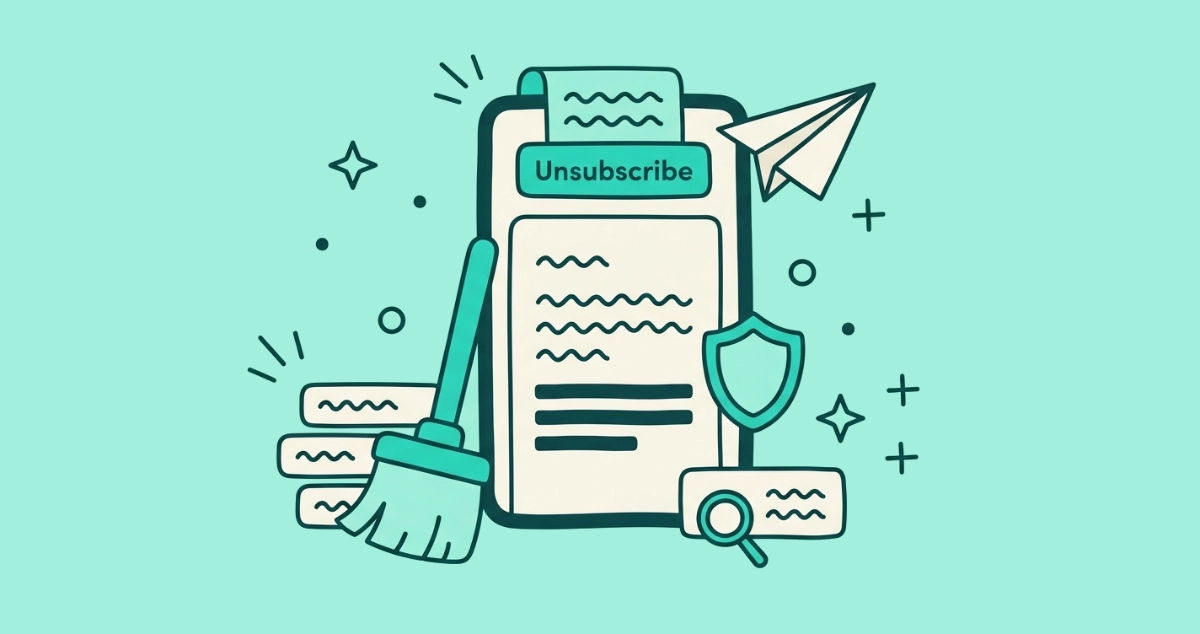
Flat vector illustration of a cream smartphone showing an email with an Unsubscribe banner at its top edge, a small paper plane leaving the screen, a broom sweeping a stack of sender rows, a shield, and a footer tag under a magnifying glass.
Guides

How to unsubscribe from emails on iPhone and Apple Mail

Unsubscribe in Apple Mail by tapping the banner at the top of a promo email on your iPhone, or clear senders in bulk with iCloud Mail Cleanup.
8 min read
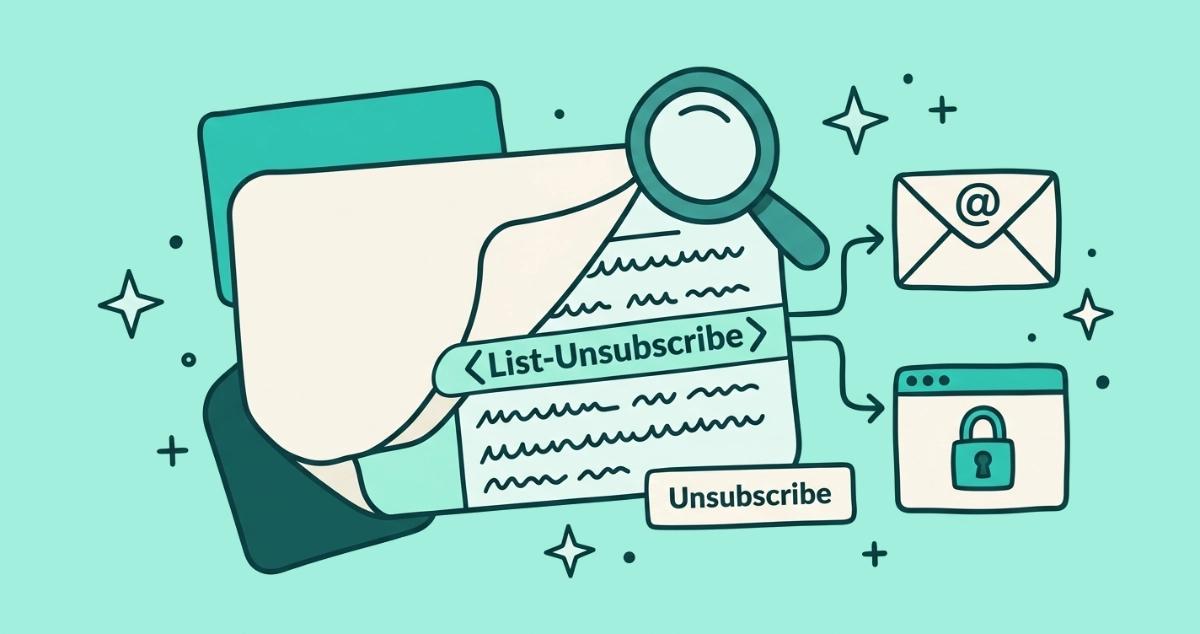
Flat vector illustration of a cream email card peeled back to reveal header lines, one labeled List-Unsubscribe forking into a mailto envelope and a padlocked browser window, with a magnifying glass reading the strip and a small Unsubscribe button beside it.
Guides

The List-Unsubscribe header, explained for normal people

The List-Unsubscribe header is the hidden line senders add so your mail app can draw an Unsubscribe button. Here's the raw syntax, the two forms, and how to read it yourself.
8 min read
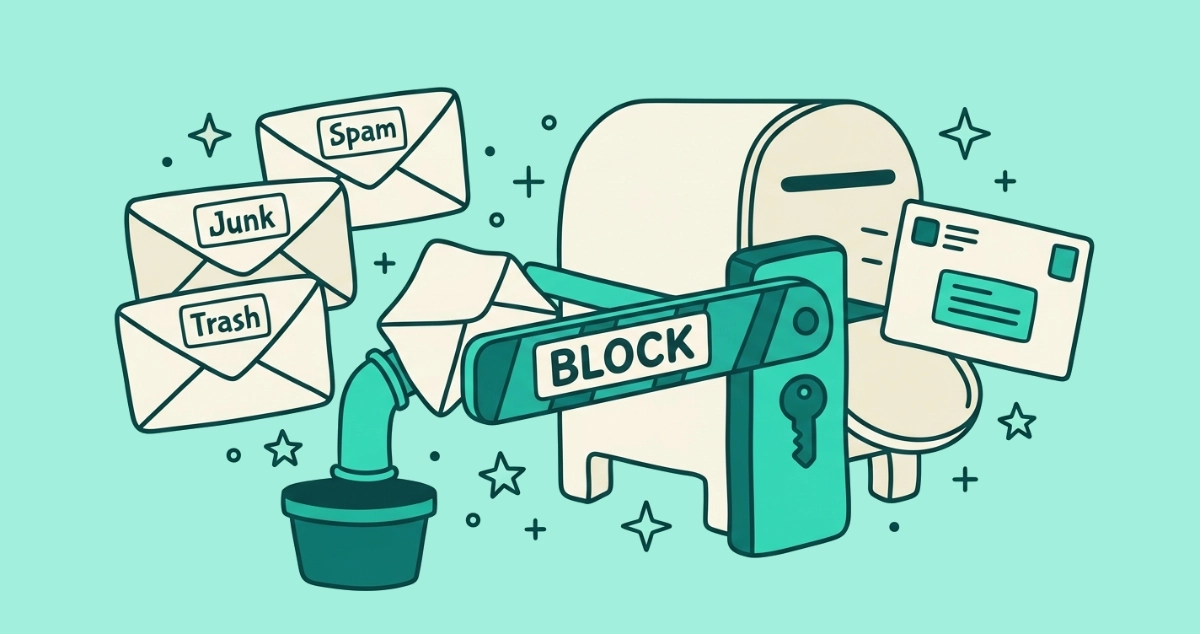
Flat vector illustration of a cream mailbox behind a lowered Block barrier arm that reroutes envelopes into Spam, Junk, and Trash bins while one slips past through a gap.
Guides

How to block an email sender in Gmail, Outlook, and Apple Mail

Block a sender in Gmail, Outlook, or Apple Mail in a few taps — and see how blocking differs from unsubscribing and marking as spam, plus what it can't do.
8 min read
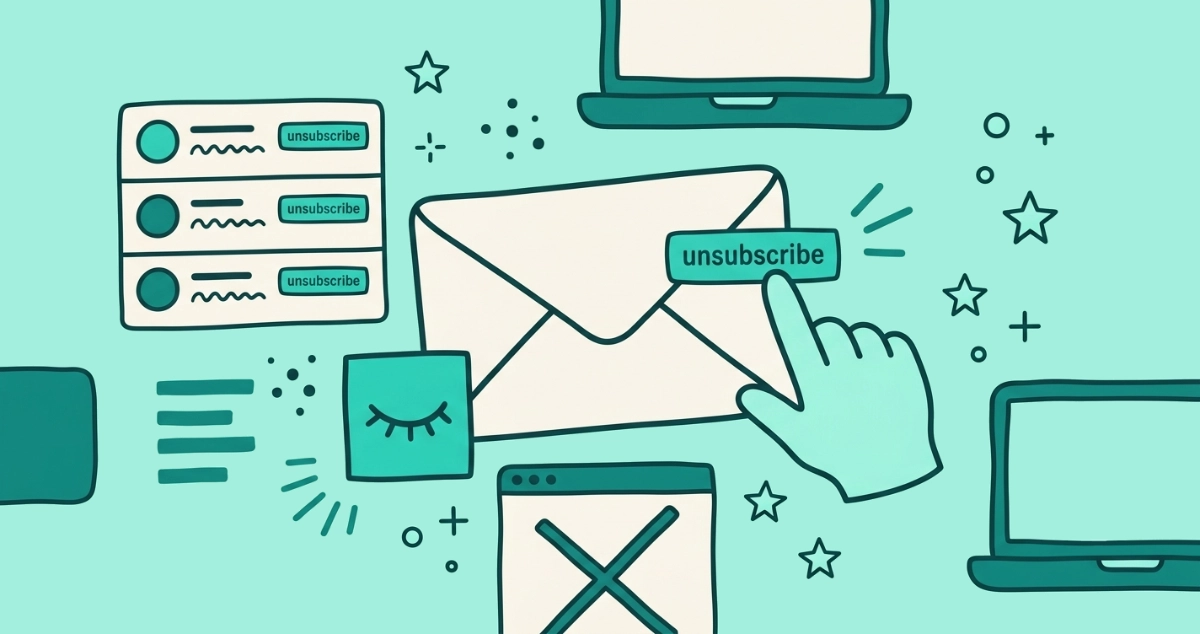
Flat vector illustration of a sealed cream envelope with an unsubscribe tab on its outer edge, a hand tapping it, a dormant closed-eye pixel nearby, and a stacked sender list.
Guides

How to unsubscribe from emails without opening them

You can opt out of a mailing list without ever opening the message, using your mail app's own unsubscribe control instead of the sender's link.
8 min read
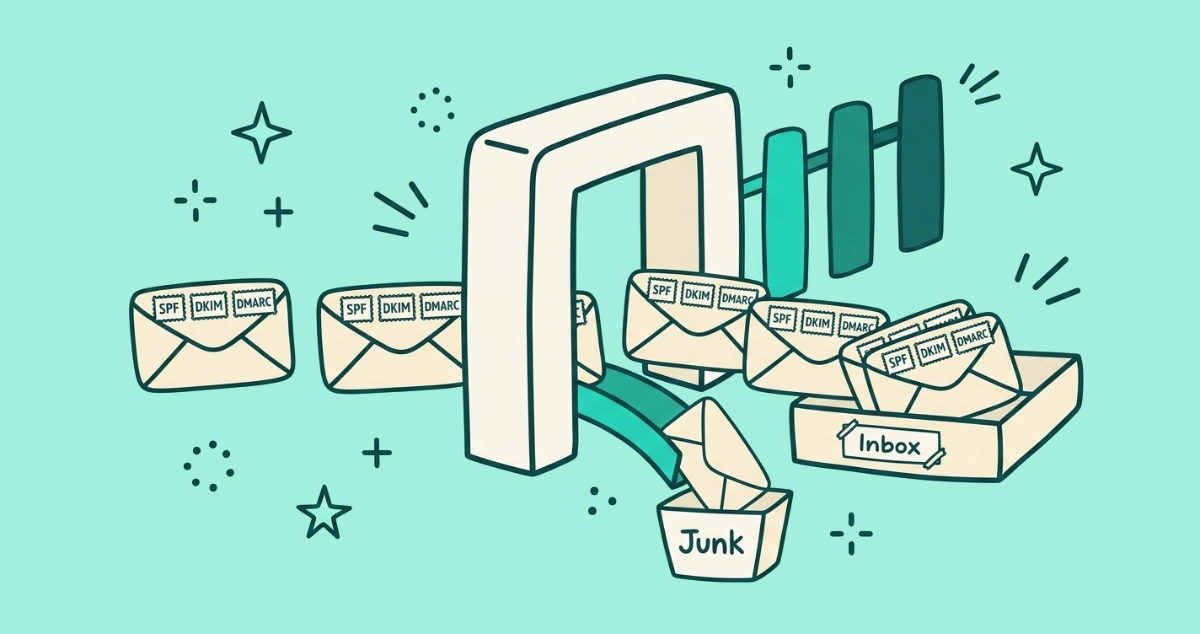
Flat vector illustration of email envelopes stamped SPF, DKIM and DMARC passing through a cream checkpoint gate into an inbox tray, while one unstamped envelope drops down a chute to a Junk bin, with three small gateposts standing in a row.
News

Microsoft Outlook joins the bulk-sender crackdown: what it means for your inbox

Microsoft's May 2025 rules make bulk senders authenticate their mail to reach your Outlook inbox, completing the crackdown Gmail and Yahoo started in 2024.
9 min read
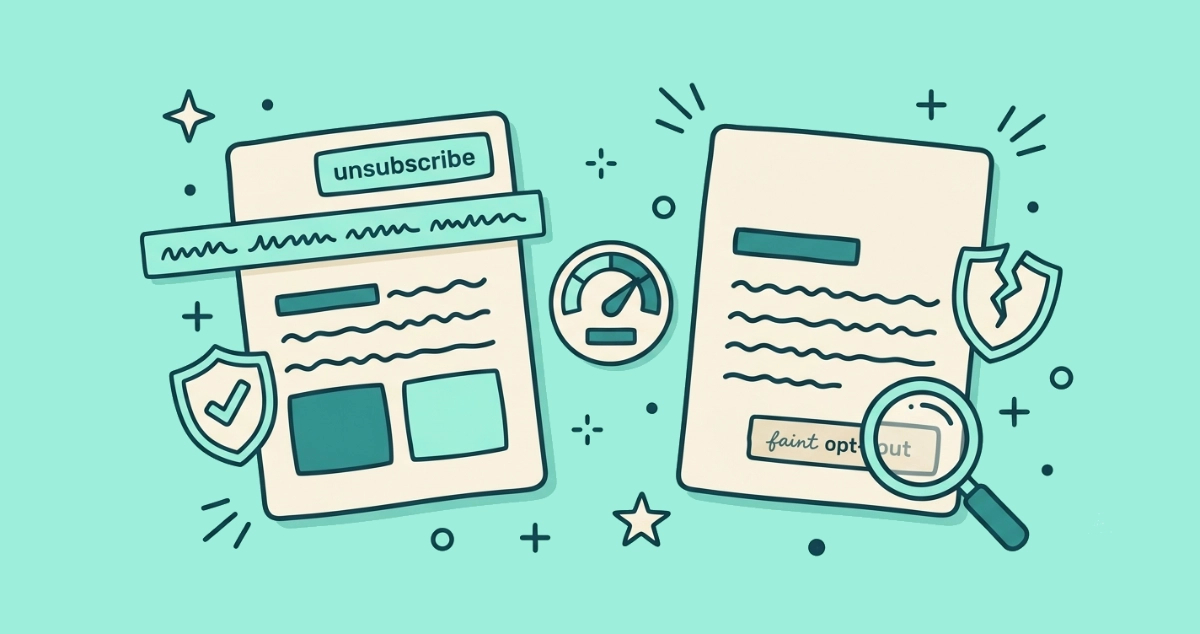
Flat vector illustration of two cream email cards side by side, one with an Unsubscribe button at its top edge and one with a blank top edge, a hidden header strip, a reputation gauge, a checkmark shield, a cracked shield, and a magnifying glass hunting a small footer link.
Guides

Why the Gmail Unsubscribe button is missing (and how to unsubscribe anyway)

Gmail shows its Unsubscribe button only when an email has a valid List-Unsubscribe header and a trusted sender. Here's why it's missing and how to opt out anyway.
9 min read
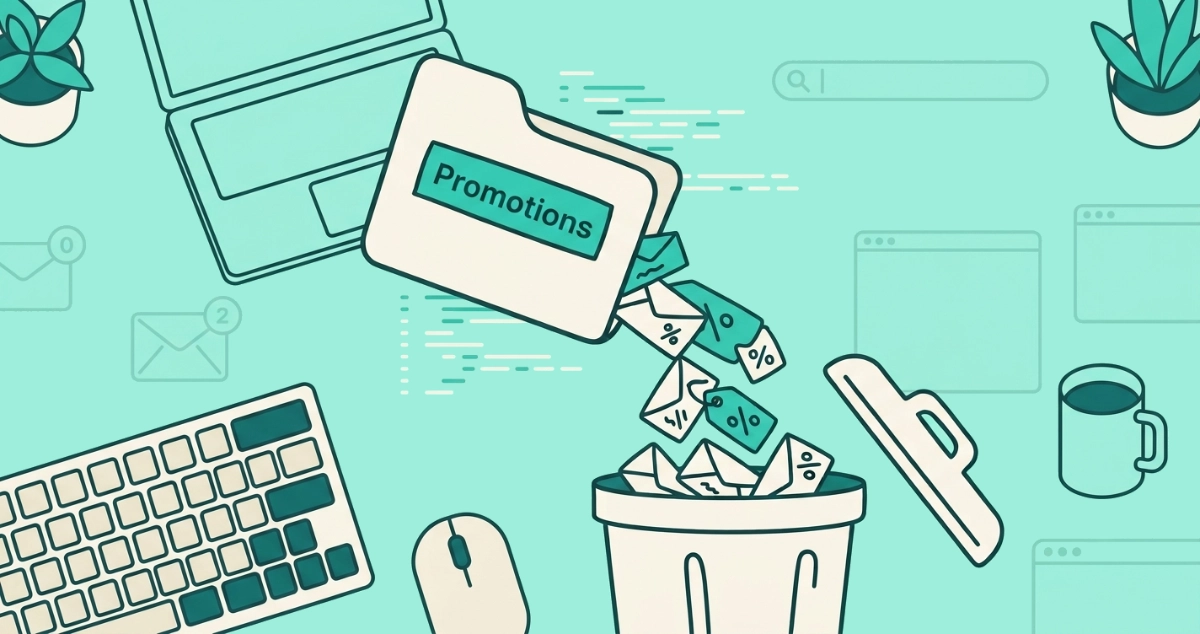
Flat vector illustration of a Promotions folder tab tipping tagged envelopes into a trash bin, beside a search bar, a select-all checkbox, a filter funnel, and a snipped loop arrow.
Guides

How to delete all Promotions in Gmail at once (with search operators)

Clear Gmail's Promotions category in about a minute: search category:promotions, select all, and trash it. Use older_than: or date filters to spare recent deals.
9 min read
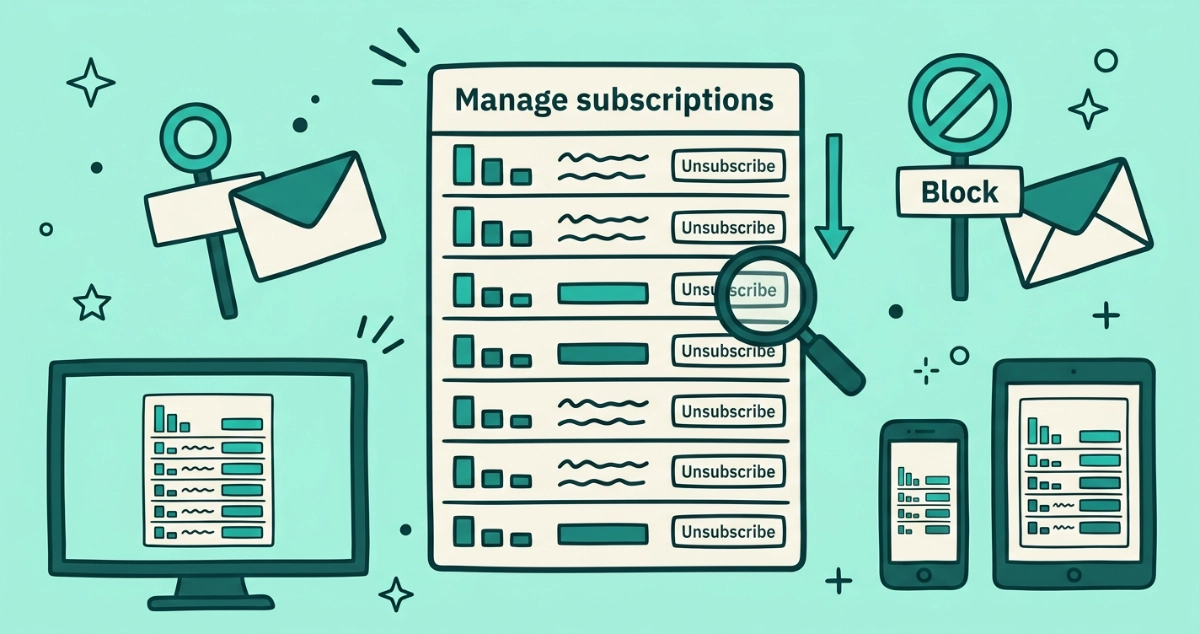
Flat vector illustration of a Manage subscriptions panel with frequency-sorted sender rows and unsubscribe buttons, a sorting arrow, a magnifying glass, a Block sign, and desktop, phone, and tablet frames.
Guides

Gmail's Manage subscriptions panel: the full guide and its limits

A deep dive on Gmail's Manage subscriptions panel: how to open it on web, Android, and iOS, how frequency sorting works, what Unsubscribe and Block each do, and what the feature can't do.
9 min read
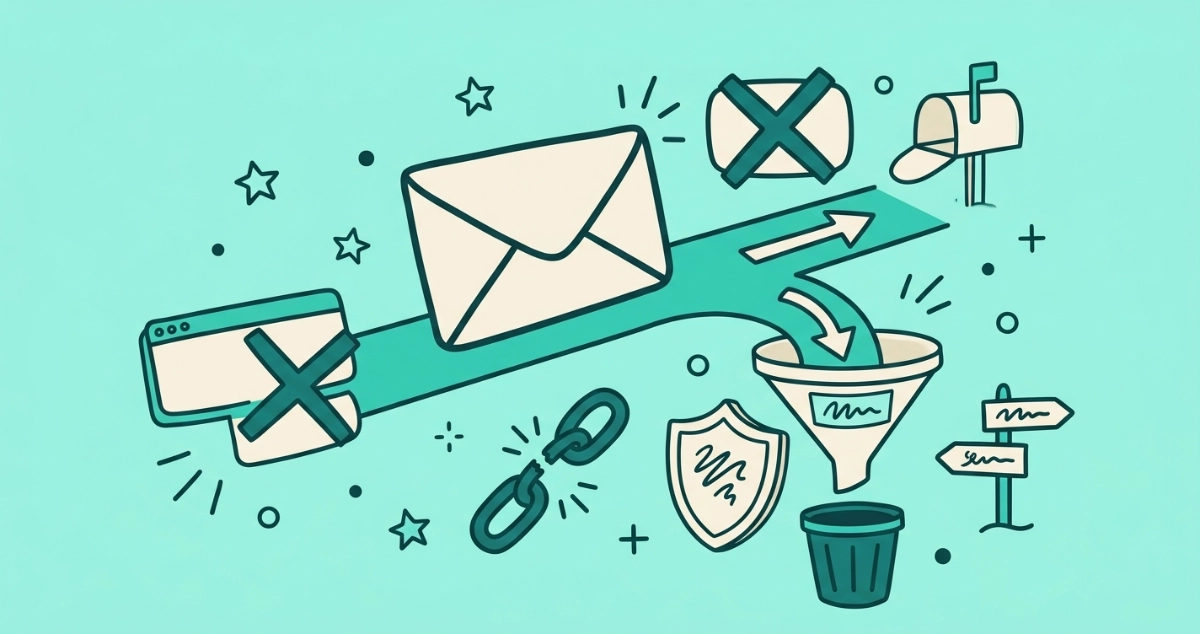
Flat teal illustration of two chunky floating buttons pointing opposite ways — a cream 'Unsubscribe' button with an arrow curving outward to a mailbox, and a teal 'Spam' button with an arrow curving inward to a funnel-shaped inbox filter catching falling envelopes.
Guides

Unsubscribe or mark as spam? A decision guide

Two buttons, two very different jobs. Here is exactly when to unsubscribe, when to mark as spam, and what each one does under the hood.
8 min read
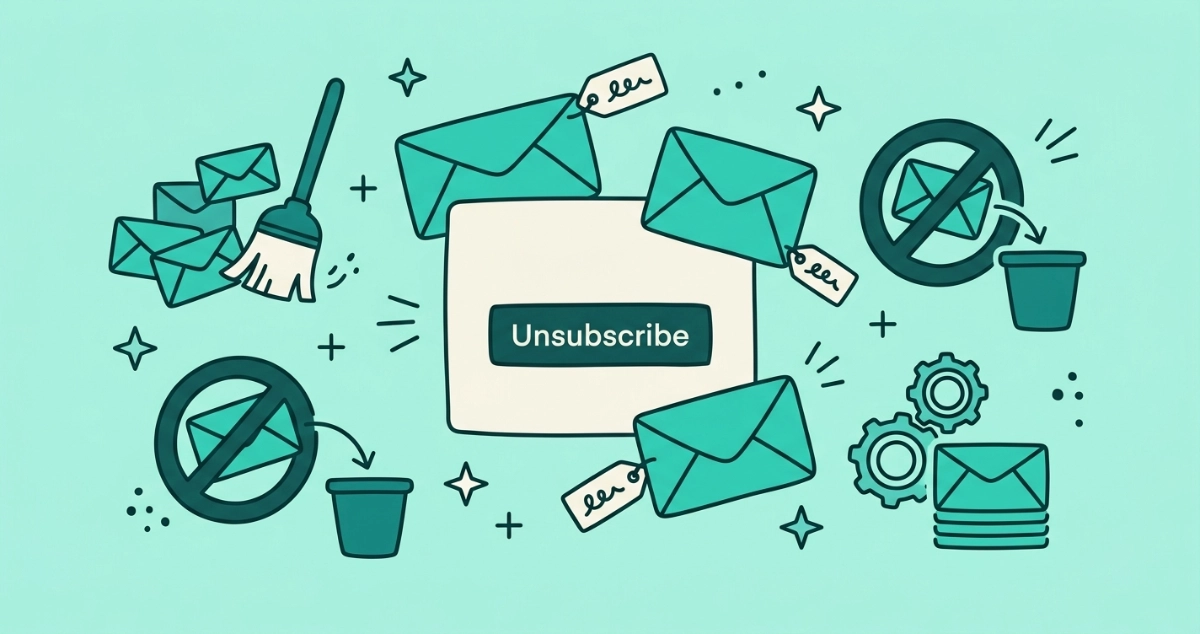
Flat teal illustration of promotional email envelopes floating around a cream message card with an Unsubscribe button, surrounded by a broom, a blocked-sender sign over a bin, and a settings gear beside a stack of envelopes, representing Outlook's different unsubscribe tools.
Guides

How to unsubscribe from emails in Outlook (2026)

Outlook has no single button that unsubscribes from everything. The real routes across new Outlook, classic desktop, web, and mobile, why Sweep and Block don't opt you out, and where unsubscribe add-ins fit.
13 min read
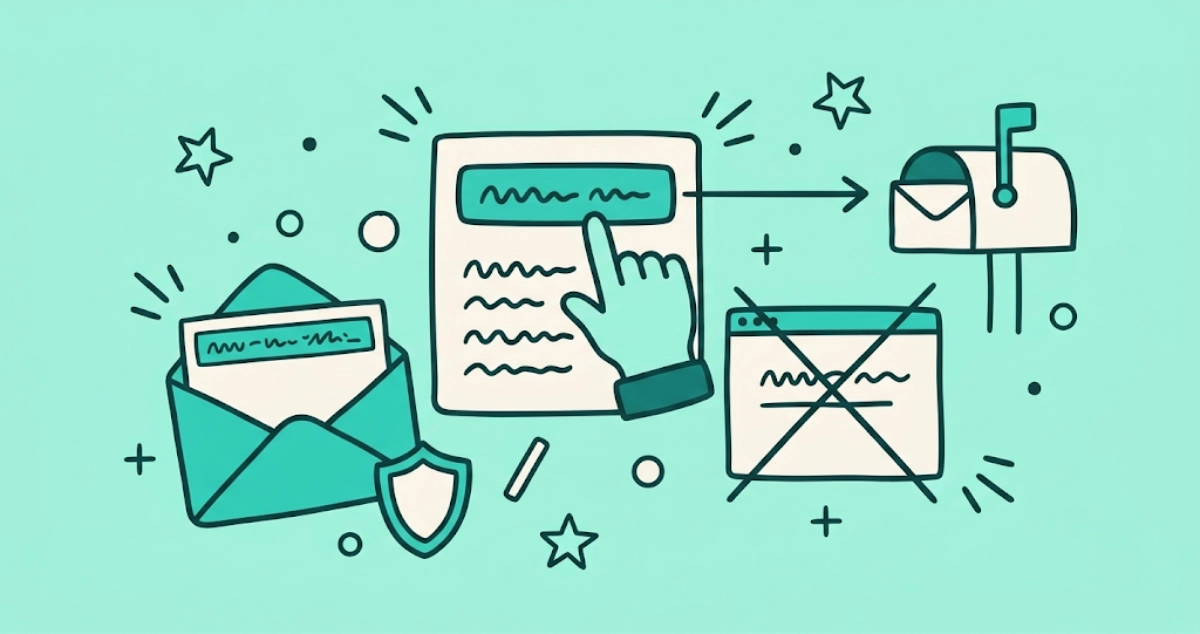
Flat vector illustration of a finger tapping an unsubscribe button on a cream email card, an arrow flying past a crossed-out browser window to a mailbox, with a small shield nearby.
Guides

One-click unsubscribe, explained: what RFC 8058 does for your inbox

One-click unsubscribe is the RFC 8058 standard behind the Unsubscribe button at the top of some emails. Here's what it does and why it's safer.
7 min read
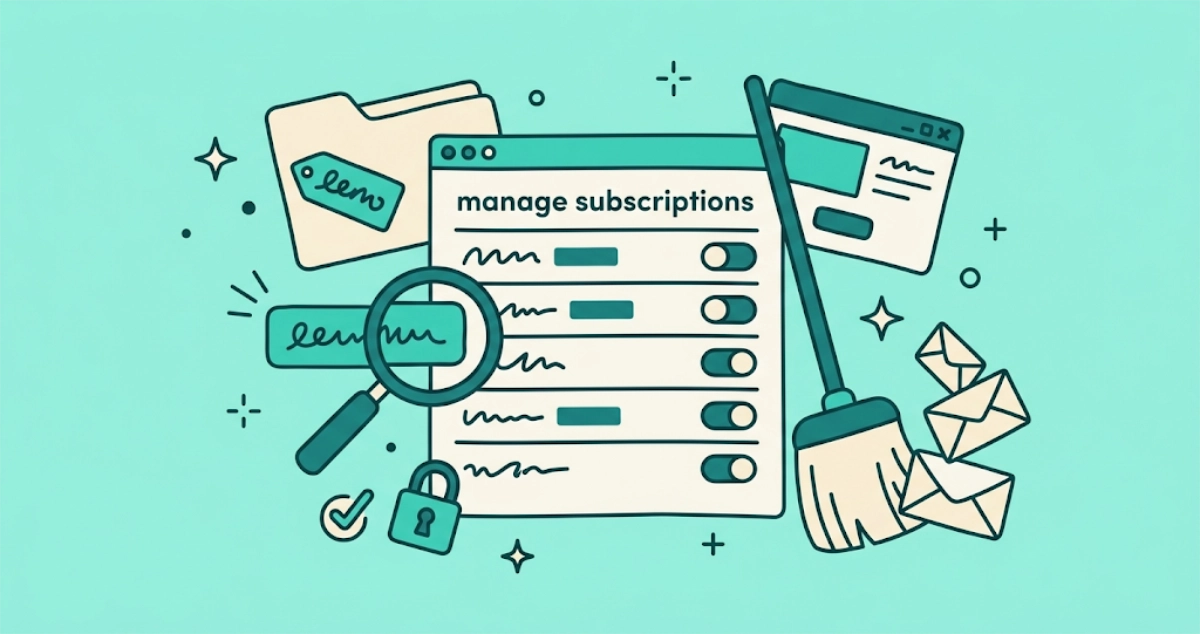
Flat vector illustration of a subscription-list panel with sender rows and unsubscribe toggles flipped off, a broom sweeping a pile of tilted envelopes, a promo-tagged folder, a magnifying glass, and a padlock.
Guides

How to mass unsubscribe from emails in Gmail (2026)

Gmail has no single button that unsubscribes from every sender at once. Here are the three real ways to mass unsubscribe, plus why deleting Promotions is a different job.

10 min read